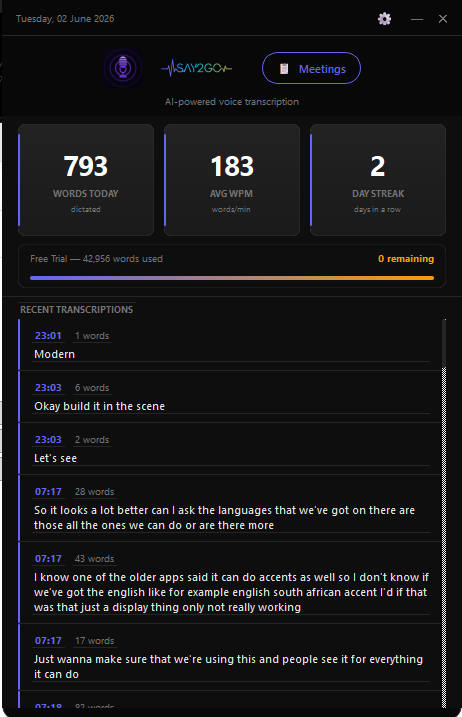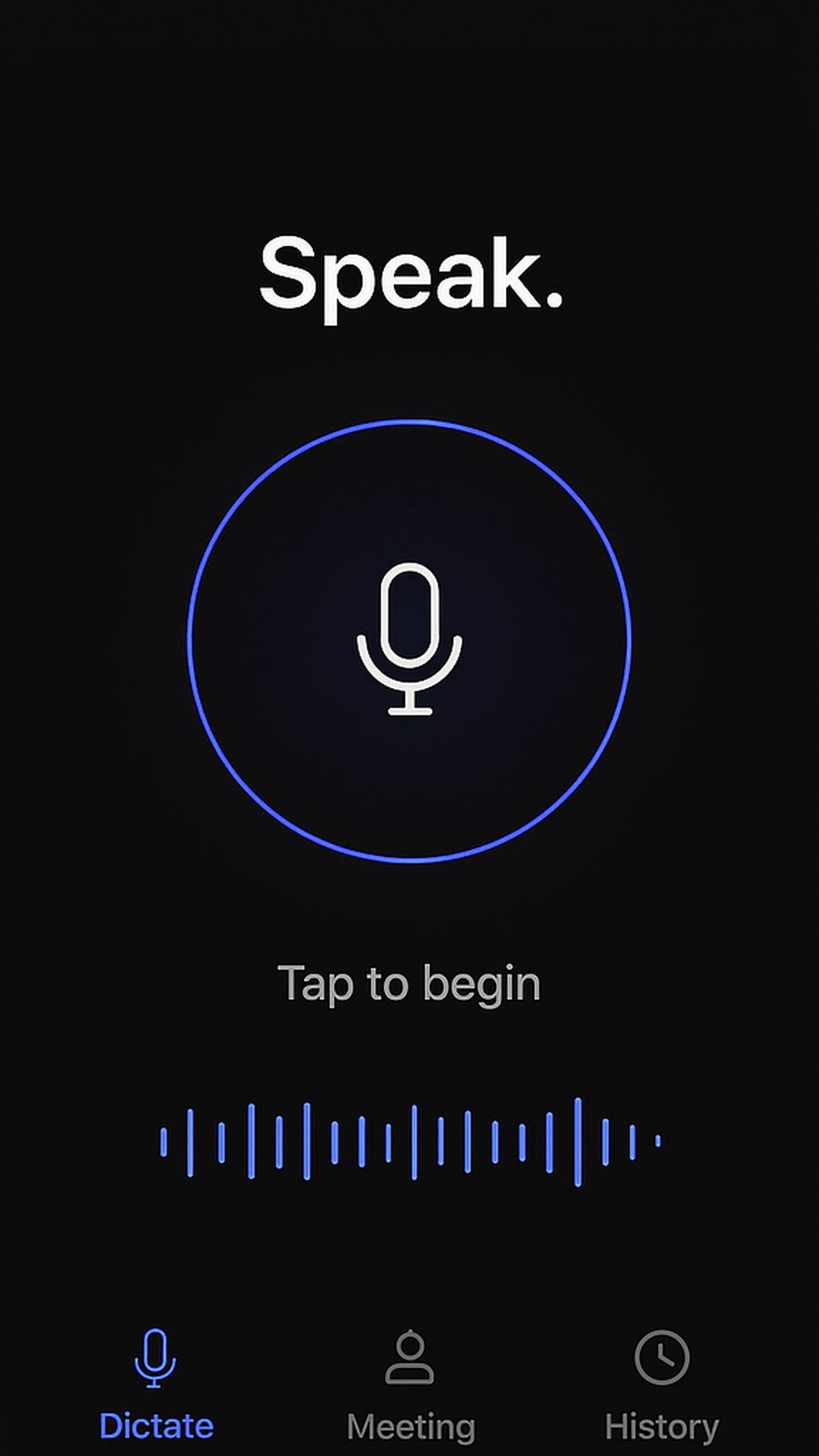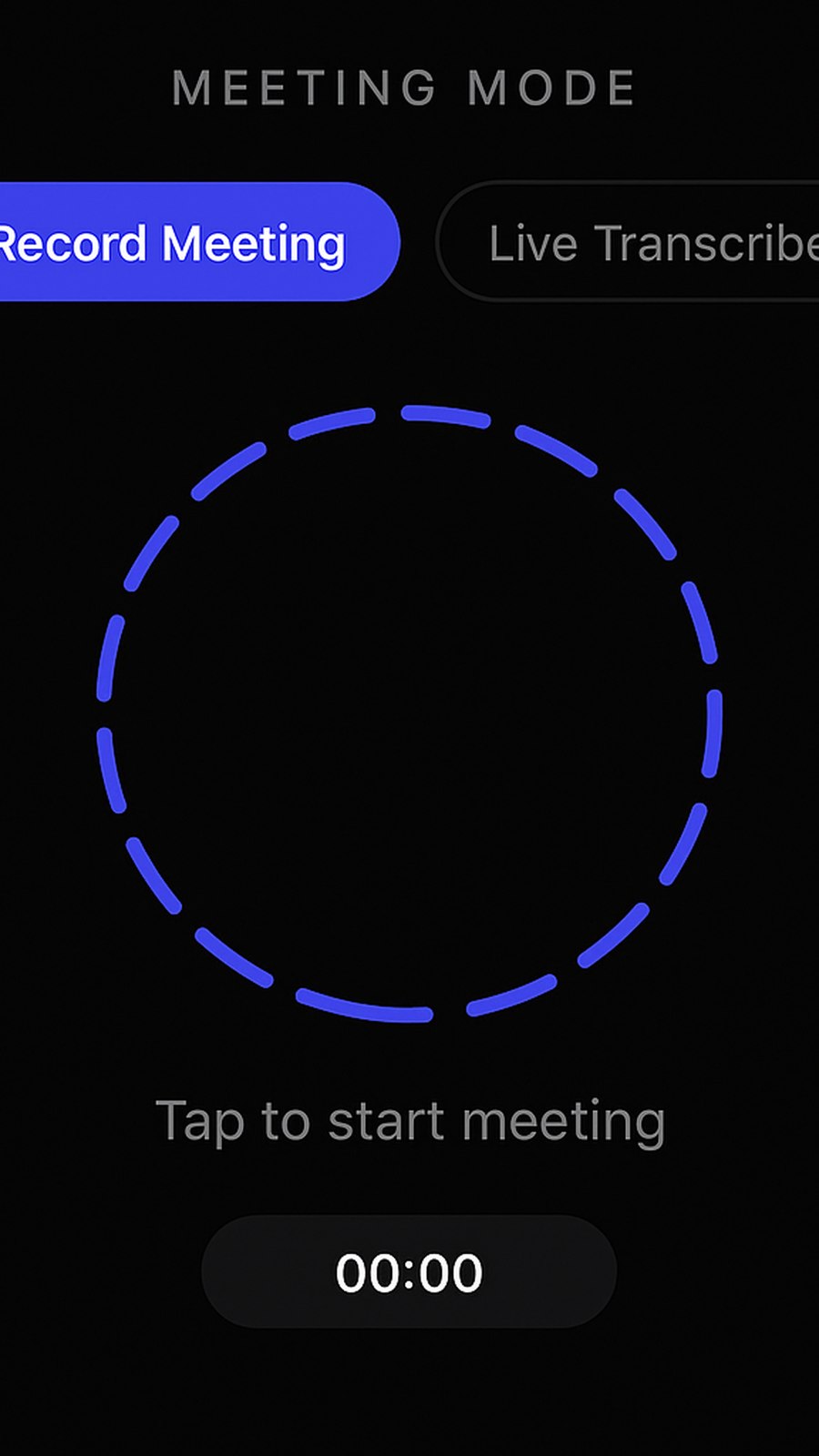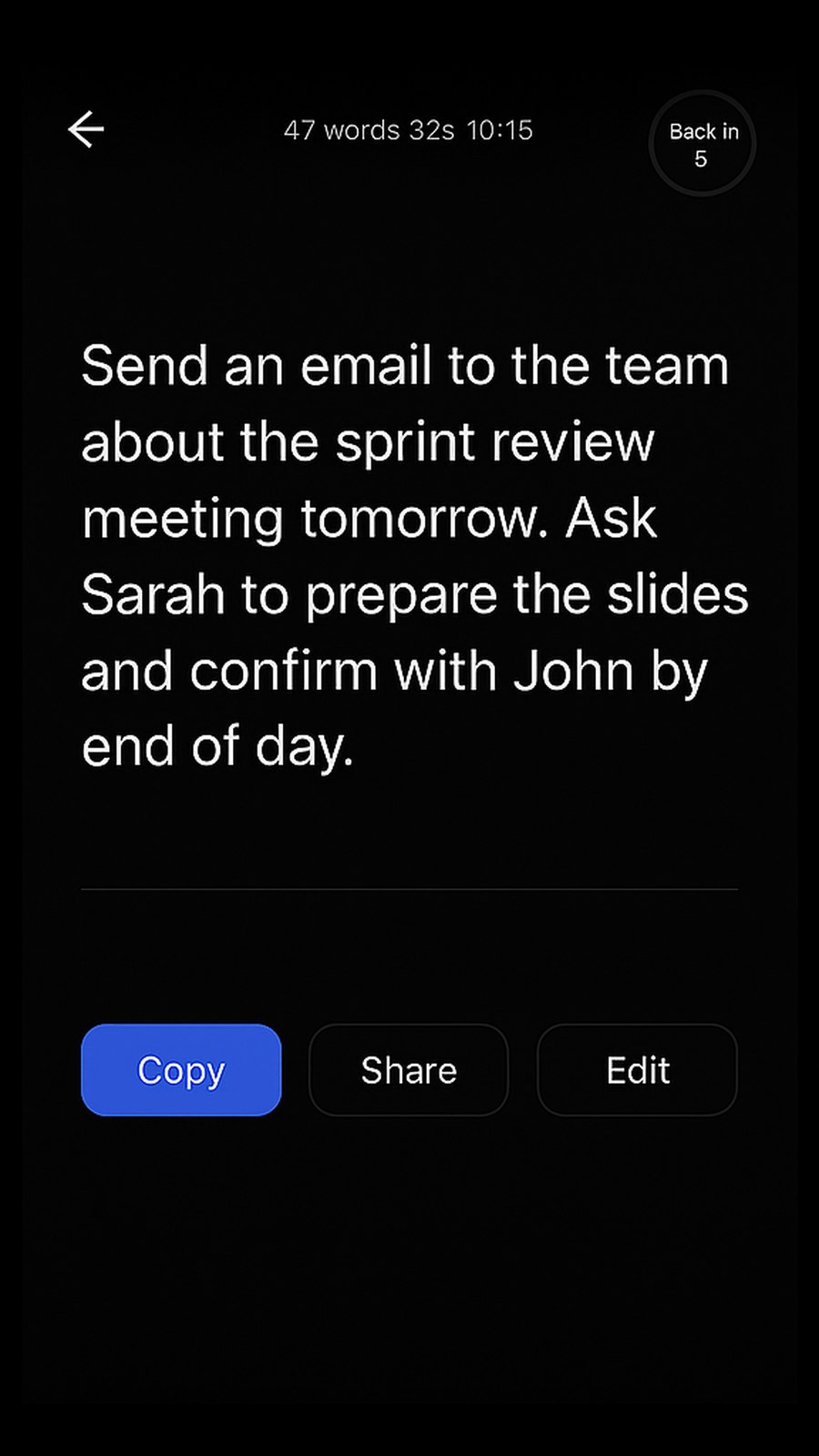
Press a hotkey. Speak naturally. Watch your words appear anywhere — emails, documents, code, chat — with near-perfect accuracy.
No setup rituals. No microphone configuration. Just a hotkey and your voice.
Hit Win+Ctrl on Windows or Cmd+Option on macOS. Say2Go activates instantly in any app you're focused on.
Talk at full speed — no need to slow down or over-enunciate. The AI model handles accents, technical terms, and natural speech.
Real-time transcription types directly into your active field. Email, Slack, VS Code, Notion — anything that accepts keyboard input.
Every detail is optimised for speed, accuracy, and staying out of your way.
Say2Go types into any app via system-level keyboard injection. Works in browsers, native apps, IDEs, terminals, and everything else.
Powered by state-of-the-art speech recognition that handles accents, technical terms, and fast speech with high accuracy.
Your audio is processed securely on dedicated servers and never stored or shared. No account, no profile, no tracking.
Powered by Whisper, Say2Go understands dozens of languages automatically — great for bilingual users and international teams.
Automatically adds commas, full stops, and question marks based on natural speech patterns. No need to say "period" or "comma."
Add your own words, names, and technical terms to improve recognition accuracy for domain-specific dictation.
Download, install, press your hotkey. That's it. Free 1,000-word trial. No credit card needed.
Mac: open the DMG and drag Say2Go into your Applications folder.
Windows 10/11 · macOS 12+ · v1.1.22